Manual Trigger
Trigger a workflow manually.
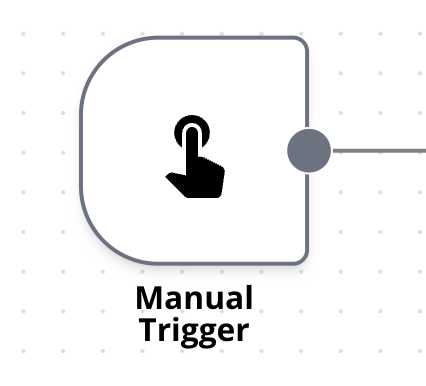
The Manual Trigger node enables you to start a workflow manually. This is especially handy for testing purposes or when you prefer to avoid automatic execution.
A trigger is required for every workflow to run. Generally, workflows start with a trigger node that responds to an external event or follows a set schedule using the Schedule Trigger.
The trigger node must also be active. Execute runs the saved workflow from its active trigger nodes: if the saved workflow has no trigger node, or every trigger node in it is deactivated (Deactivate node in the node’s ⋮ menu), Execute doesn’t run it, and no execution is recorded.
Operations
This node has no parameters. Just put it at the beginning of the workflow to trigger it manually.
Spotted something wrong or out of date on this page? Tell us and we'll correct it.