How Agents Work
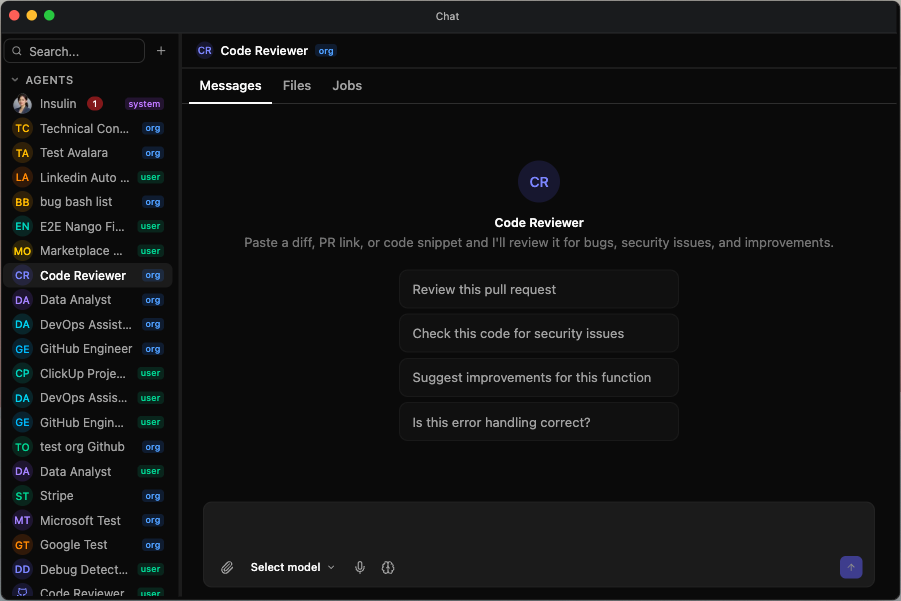
An agent is an AI assistant with defined instructions, model configuration, optional integration access, and optional knowledge bases. Skills are not attached to one agent: a personal agent loads the skills you have enabled, and an organization agent your organization’s, when they apply (see How Agents Use Skills). Each agent is tuned for a particular domain — from writing code to managing CRM data to analyzing revenue.
The default Insulin agent acts as your chief of staff: a general-purpose assistant for the everyday business work your teams bring to it, marketplace operations included. It is built in and cannot be edited or deleted, unlike the catalog and custom agents you install or create.
Fours also ships the Co-sell Agent, a built-in org-level agent that works your AWS co-sell referrals. It is set up in the co-sell area, in Co-sell › Settings › AI Agent (see Co-sell Agent), and the Insulin assistant can hand co-sell work to it — see Handing co-sell work to the Co-sell Agent.
What happens on a turn
Each message you send starts one turn, and every turn runs through the same steps:
- The agent is loaded with its instructions, its default model, and the integrations and knowledge bases it may use, each at the access level it was given.
- Its tools are assembled from those grants: your connections, your Fours data if you have granted access, knowledge-base search, memory, and the skills you have enabled. Today’s date in your time zone goes in with your message.
- A model is chosen, your own connected providers first and then the hosted pool your organization allows, and the turn fails over down that list if a call fails (see Model Selection).
- Billing is checked before any model is called. If AI is paused for billing, the turn stops there (see When AI pauses).
- The reply streams while the agent works. Each tool call shows as a chip, and multi-step work shows a plan checklist (see Tools and Approvals). A Slack post is the call that stops for your Allow or Deny before it runs.
- The turn is saved with the conversation, so you can close the window and come back to it.
Handing co-sell work to the Co-sell Agent
The built-in Insulin assistant can pass a question about your co-sell referrals to your organization’s Co-sell Agent and answer you with what it finds: a referral’s status, its AWS score, the proposals waiting for approval, its run history, or research into the deal. Insulin decides to do this on its own when you ask about co-sell referrals; there is nothing to pick.
It does so only when your organization has the Co-sell Agent turned on and you have access to it. Organization ADMINs and EDITORs have access by default, and so does anyone the agent is shared with (see Co-sell Agent).
| Where you ask | Can Insulin hand off to the Co-sell Agent? |
|---|---|
| A one-on-one chat with Insulin in the web workspace, on the main thread | Yes |
| The console’s Home chat | Yes |
| Slack: a direct message with the app, or a channel where you @mention it | Yes |
| A reply in a sub-thread, an Insulin channel, a job, or Microsoft Teams | No |
| A custom agent, or any agent other than Insulin | No |
- It sees only the request. Insulin writes the Co-sell Agent a request; the Co-sell Agent never sees your conversation.
- It works with the organization’s connections, not yours. The Co-sell Agent runs as it does in its own chat, with the integrations and knowledge bases its settings give it, such as your CRM and Gong. Insulin itself still holds none of them; it gets back only the Co-sell Agent’s answer.
- It can’t approve or reset anything itself. For that, Insulin gives you the referral’s link so you can act on the referral page.
- A Slack post still waits for you. If the Co-sell Agent wants to post a Slack message, Insulin’s turn pauses on the same Tool Approval Required card.
- If your organization role can’t be read, or the Co-sell Agent can’t be looked up, Insulin answers without it rather than failing the turn.
In the conversation, the hand-off and every tool the Co-sell Agent runs show as tool-call chips named after it.
Spotted something wrong or out of date on this page? Tell us and we'll correct it.