How Knowledge Bases Work
A knowledge base is a named collection of documents that agents can search when answering. Instead of relying only on the model’s general knowledge, an agent can pull in your product docs, runbooks, tickets, contracts, or notes and ground its response in your organization’s actual content.
Each knowledge base:
- Belongs to one organization and is owned by a user or the organization.
- Holds documents from three source types — uploaded or pasted files, crawled websites, and synced connectors (GitHub, ClickUp, Google Drive).
- Indexes every document so it can be searched with hybrid vector + keyword search.
Prefer video? Watch a quick overview:
How content becomes searchable
Every document takes the same path, whatever its source. Files and pasted text are indexed when you add them, a website is crawled one page per document when it syncs, and a connector syncs when you connect it and, with Auto-sync on, about once an hour after that. Insulin then splits each document into chunks, embeds them with the knowledge base’s own embedding model, and stores them for hybrid vector + keyword search. Only documents that finish indexing are searched (see Syncing and Indexing).
When an agent answers, it searches up to three of the knowledge bases available to it and gets back the passages that match best, each citing its source document; see Using a Knowledge Base with Agents.
Opening the Knowledge Base App
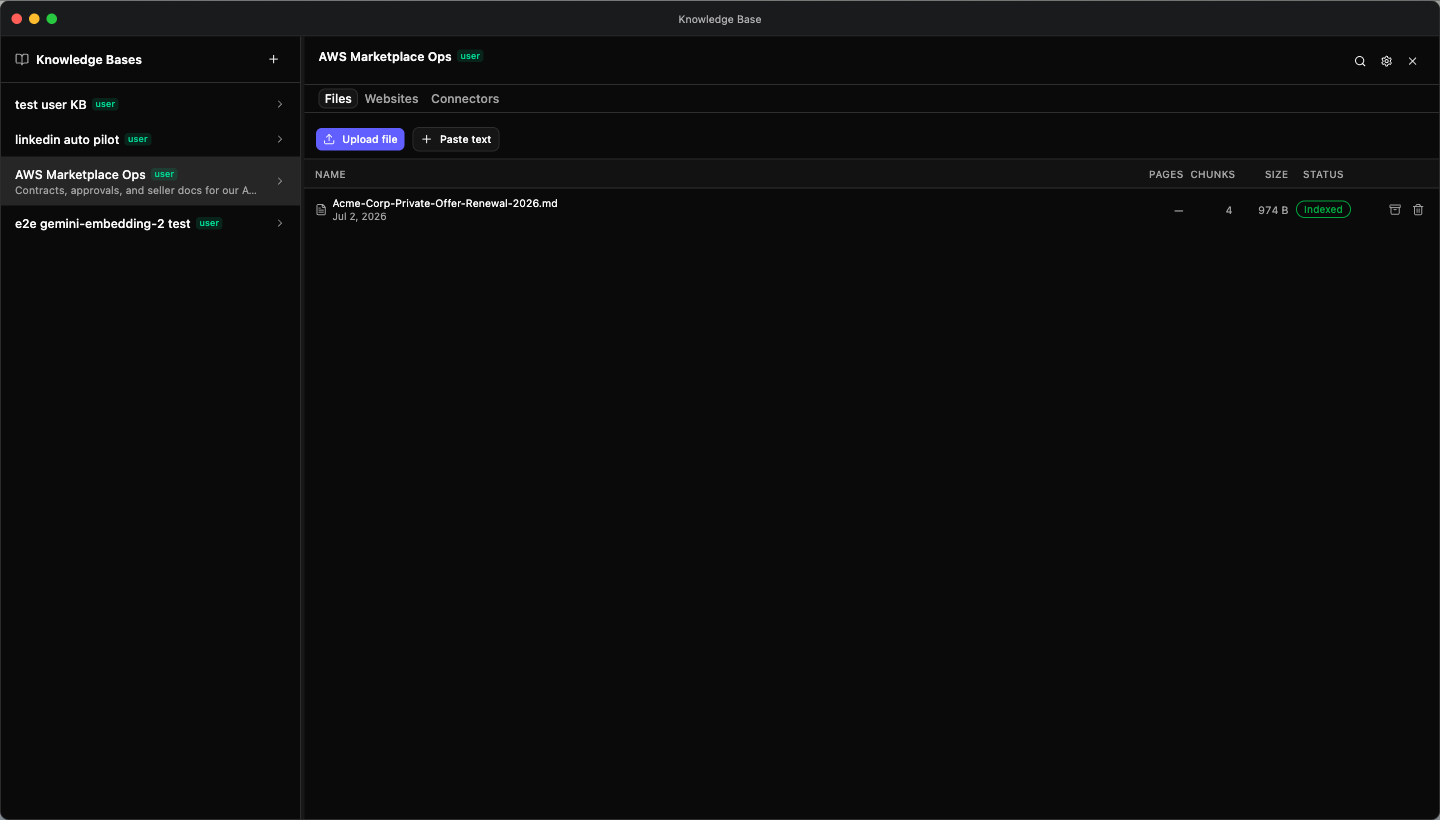
Knowledge Base is a built-in Insulin app. Open it from its icon on the desktop or from the app launcher — it is not pinned to the Dock by default — or navigate directly to its window. Like other workspace apps, it opens as a resizable window with the knowledge base list on the left and a detail panel on the right.
Use Cases
- Product support — Crawl your public docs site and let a support agent answer with grounded, cited responses.
- Engineering context — Connect GitHub repositories so a code or triage agent can reference open issues and pull request discussions.
- Project knowledge — Sync ClickUp spaces so a project agent can answer from current tasks and Docs.
- Team drive — Connect a Google Drive folder of playbooks, contracts, or reports so agents work from the same source of truth your team uses.
Spotted something wrong or out of date on this page? Tell us and we'll correct it.