Google Gemini
Overview
By integrating your Gemini account with Fours, you can utilize your own Gemini API key. This allows you to access certain AI-powered features within Fours, with billing for API usage handled directly by Google. For how Fours meters AI requests that run on your own key, see What is metered.
Org-Level vs User-Level
When to use Org-Level: Use org-level integration when you want organization-wide API key management with a centralized billing approach.
When to use User-Level: Use user-level integration when each user wants to use their own Gemini API key with personal billing.
Create Integration (Org-Level)
- Navigate to the Fours Console Integration page.
- Find the Gemini integration and click the
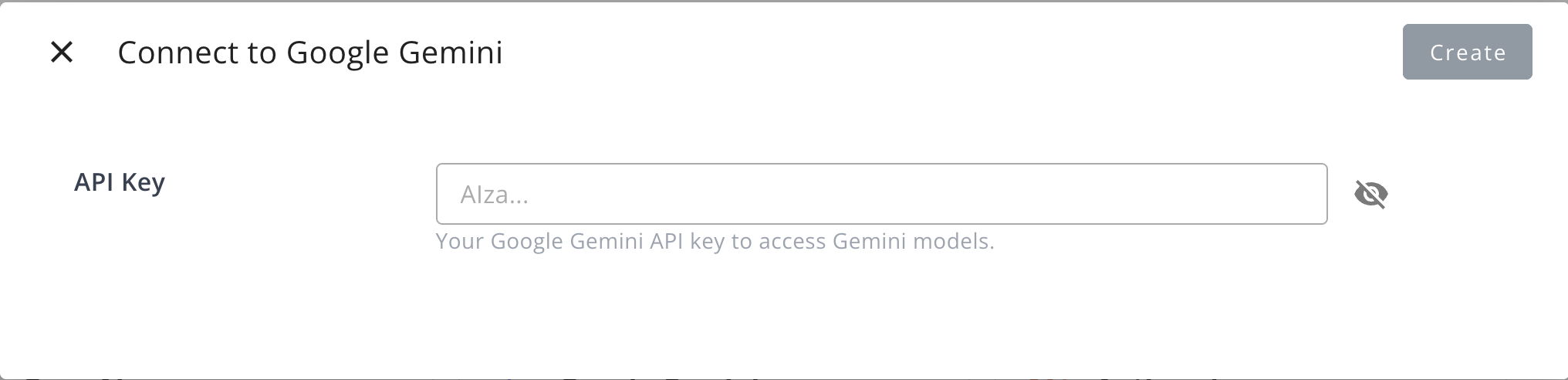
Connectbutton. - In the dialog that appears, provide the following information:
- API Key: Your Gemini API key for accessing Gemini models.
Create User Integration
Use user-level integration for personal Gemini access.
- Find the Gemini card in the User Integrations section and click
Connect Now. - Enter your personal Gemini API key in the dialog.
- Return to Fours to confirm connection.
Edit Integration
Editing the Gemini integration is not supported. To change the API key, you must delete the current integration and create a new one.
Delete Integration
You can delete the Gemini integration at any time. Please be aware that this action is irreversible and will permanently remove the integration credentials.
Spotted something wrong or out of date on this page? Tell us and we'll correct it.